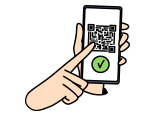
Download the “Bike Share Service” app and register with a d ACCOUNT, Apple Account, or Google Account. You no longer need to select a My Area or pricing plan during registration.
Borrowing a Bike
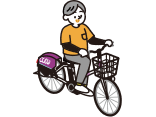
In the app, press the “Start” button on the bike’s lock, scan the QR code to unlock, and you’re ready to go. You can reserve a bike 15 minutes in advance via the app.
Returning a Bike
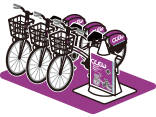
To return the bike, park it in the designated space at the port, lock the rear wheel, wait a few seconds, and press the “Return” button on the lock to complete the return process. You can reserve the return port for up to 30 minutes in advance via the app.
¥385per 60 minutesMaximum daily cap per ride: ¥2,200
One-Day and Monthly Plans
Purchase through the app for a full day of riding1-Day Pass
¥1,650 Valid until 11:59 PM on the day of use
JPY 1,650 is charged when you select (purchase) the plan. An unused plan is valid for 366 days from the purchase date. Once you start using it, you can ride as many times as you like until 23:59 that day.
If you continue using a bike into the next day without returning it, an additional JPY 1,650 is charged for the following day.
Ride as many times as you like, with the first 30 minutes free for each ride.Monthly Pass
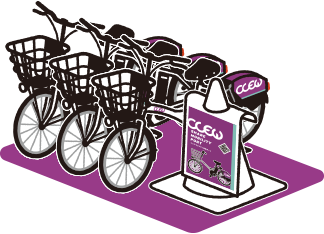
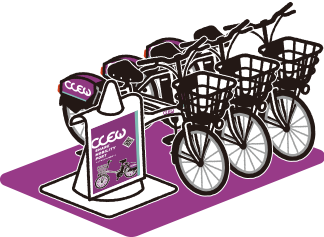
Unlike traditional bicycle rental services, CLEW allows you to rent a bike from any of its multiple designated parking spots called “ports” and return it to any location you prefer.
Available 24/7, 365 days a year (with some exceptions).
Rent, return, and pay—all through one app.
Convenient for one-way trips: travel from Port A to Port B and leave the bike there.
Even without your own bike, you can easily rent one on the spot.
Example Use Case:Take a bike when it’s sunny to travel to your destination, and return home by bus if it starts raining.
What you need:
• A smartphone that can receive SMS (iOS 16.0 or later / Android 8.0 or later)
• A d ACCOUNT, Apple Account, or Google Account
• A payment method accepted in the app
Download the “Bike Share Service” app and follow the on-screen instructions to register.
3CLEW is available in most areas (refer to this page for details), with a few exceptions.






















 ?
?